M3U8 Toolbox
A free set of browser-only tools for m3u8 (HLS): play, convert to MP4, and learn how to download — no install, no upload.
- No install
- No upload
- Free, no sign-up

Sample footage shown: Big Buck Bunny © 2008 Blender Foundation (CC BY 3.0)
What you can do here
Online Player
Paste an m3u8 URL and play HLS right in your browser. No VLC, no install.
Paste a URL and play →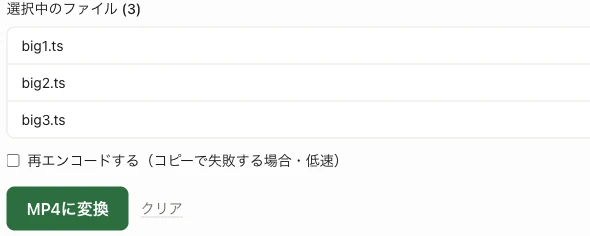
Convert to MP4
Convert TS files you already have to MP4 in-browser. No upload — private by design.
Open the converter →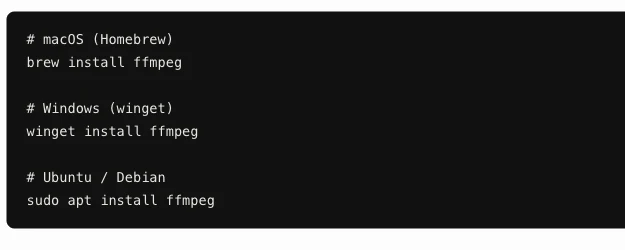
How to Download M3U8
The right way to save m3u8 streams with ffmpeg — commands explained.
Read the guide →FAQ
- What is an m3u8 file?
- It is the playlist file used by HLS (HTTP Live Streaming). It is not the video itself — it is a text file listing the URLs and order of the video segments (.ts).
- Do I need an app to play or convert m3u8?
- No. Every tool on this site runs in your browser: play with the online player, convert TS files to MP4 with the converter, and save stream URLs with the ffmpeg commands in the download guide.
- Are my videos uploaded to a server?
- No. Both playback and conversion run entirely in your browser. Your video data never reaches our server.